The Complete Guide to Airtable Email Integration (2026)
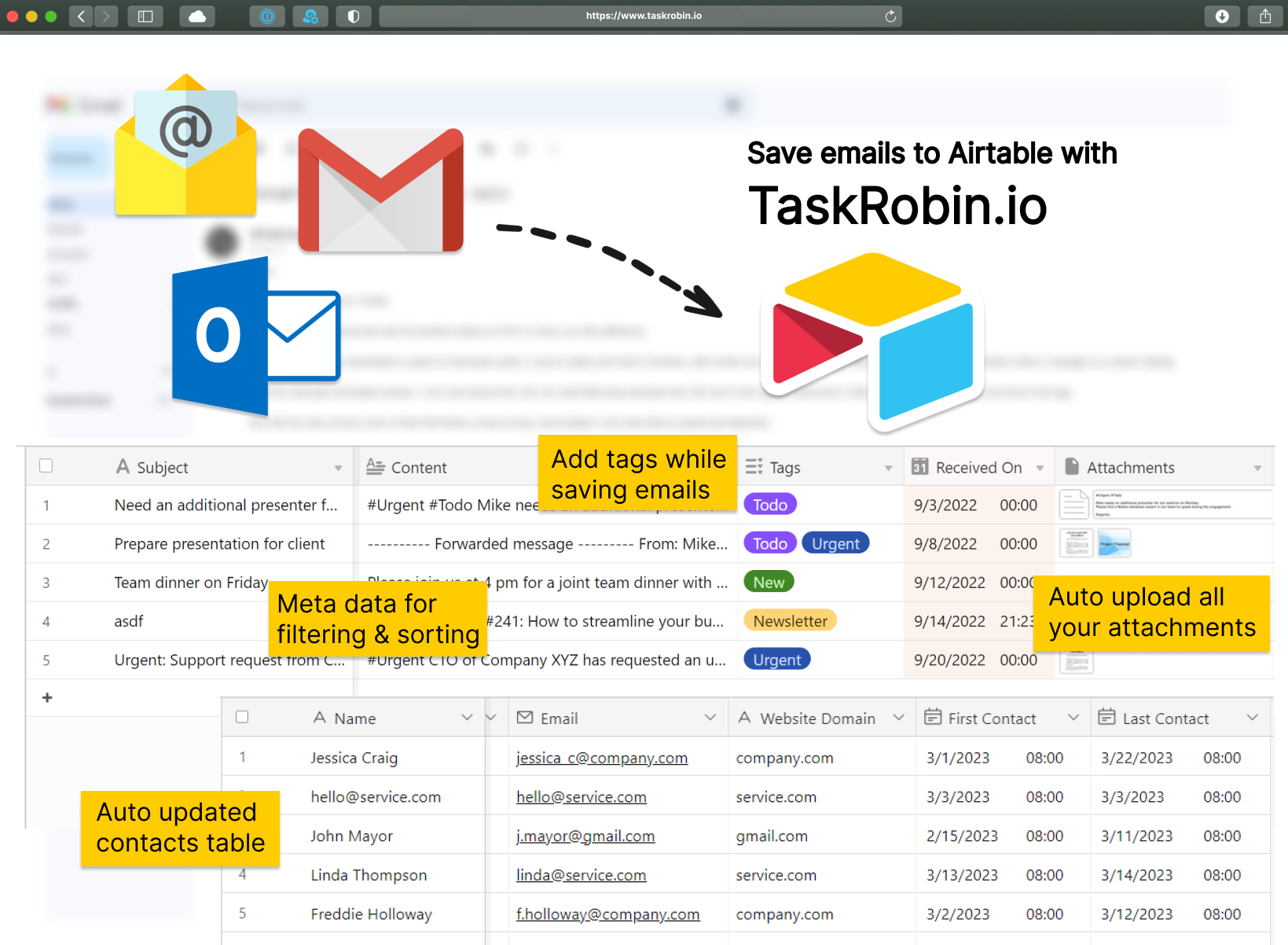
Airtable is one of the most flexible database tools around, but like most workspace apps, it has no native way to pull emails into your base. That gap shows up the moment a team tries to use Airtable as a lightweight CRM, help desk, or content pipeline — someone always ends up copying and pasting email details by hand.
This guide is the single hub for everything we’ve written about connecting email to Airtable. Whether you’re setting up your first auto-forwarding rule, building a ticketing system to replace Zendesk, or comparing help desk alternatives for a growing team, you’ll find the right deep-dive linked below, organized by what you’re trying to accomplish.
Getting Started: Connecting Your Inbox to Airtable
New to saving emails in Airtable? Start here. These guides cover connecting Gmail, Outlook, or iCloud Mail to an Airtable base using TaskRobin, including how auto-forwarding rules work across each provider.
Automations, Tagging & Field Mapping
Once emails are landing in Airtable, the next step is making them useful — mapping email data to the right fields automatically, and using hashtags to tag and categorize incoming messages without manual busywork.
Building a CRM & Contacts System in Airtable
Airtable’s linked records and views make it a surprisingly capable, low-cost CRM. These guides cover logging emails against customer records, auto-building a Contacts table from your inbox, and managing recruitment communication at scale.
Help Desks, Ticketing & Real-World Use Cases
See how other teams have put this together end-to-end — from a free help desk template with automated ticketing, to receipt tracking, invoice management, and content workflows, all built entirely inside Airtable.
Comparisons & Alternatives
Deciding between Airtable and a dedicated help desk tool like Zendesk or Freshdesk? These guides compare cost and flexibility to help you decide what’s right for your team’s size and budget.
Ready to Get Started?
TaskRobin connects your inbox to Airtable in minutes — no complex automation platform required. Forward, CC, or BCC any email and it lands in your Airtable base with attachments, tags, and fields intact.